1
Website CAPTCHA Solving
Use packages for CAPTCHA-heavy website workflows that need consistent solving capacity.
Reseller System
Reseller System helps teams choose package-based CAPTCHA solving capacity, plan thread usage, and move from account setup to active service access without unnecessary friction.
Choose real plans from the active package catalog.
Plan capacity around the workload you expect to run.
Start with a clear account and activation flow.
Workload Console
Match package size to recurring solving demand.
Move from account setup to service access quickly.
CAPTCHA Solving Coverage
Plan package-based CAPTCHA solving around web challenges, image and form checks, recurring automation jobs, and the thread capacity your workload needs.
Use packages for CAPTCHA-heavy website workflows that need consistent solving capacity.
Support automation flows where repeated challenge solving needs clear capacity planning.
Plan service access around visual or form-based CAPTCHA work while keeping requirements clear.
Choose package levels around concurrent workload expectations and operational demand.
Start with the active package catalog and keep pricing, details, and order behavior consistent.
Connect CAPTCHA solving capacity to recurring jobs, campaign flows, and service usage planning.
CAPTCHA TYPES
Explore the CAPTCHA challenges supported by our solving platform.
Capacity is sold in threads. One thread is one solve running at the same time as the others.
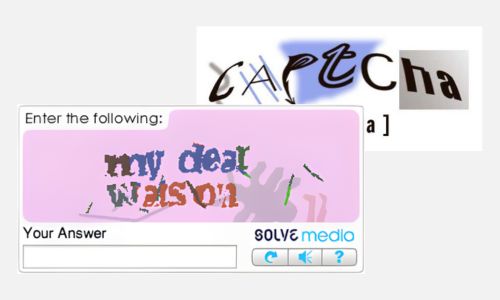
Supports more than 27,500 image CAPTCHA variations, including Solve Media and social-platform challenges.

Fast reCAPTCHA v2 processing designed for high-concurrency automation workloads.

Automated reCAPTCHA v3 processing with straightforward integration for recurring workflows.

Processes invisible reCAPTCHA v2 challenges without requiring direct user interaction.
Enterprise reCAPTCHA v2 processing built for demanding and highly concurrent workloads.

Enterprise reCAPTCHA v3 processing for connected systems and large automation workloads.
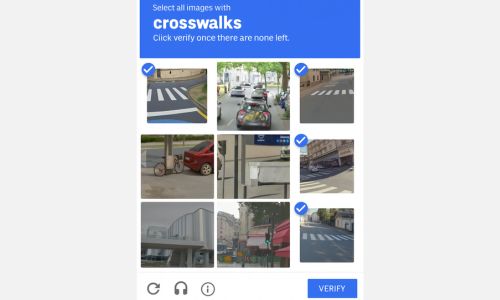
Handles grid-based image challenges across different layouts and difficulty levels.
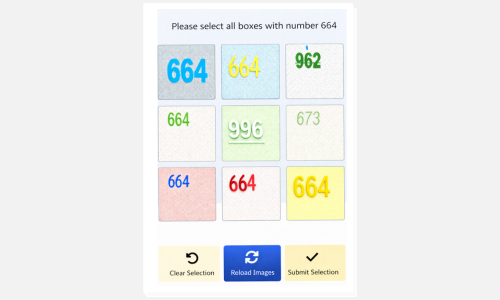
Processes BLS CAPTCHA challenges across common image and form-based patterns.
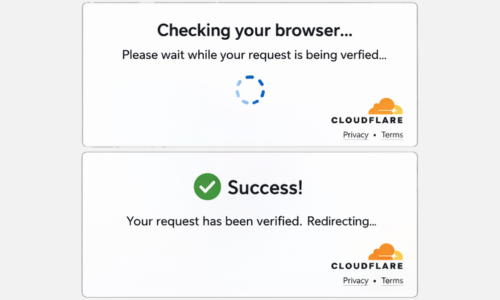
Supports Cloudflare browser verification challenges in automated service workflows.
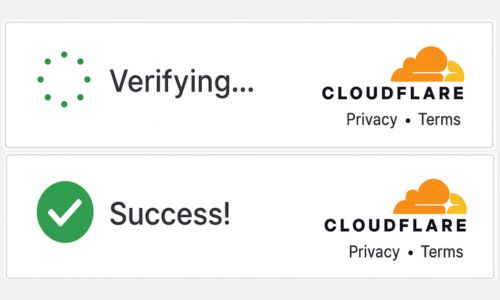
Processes Cloudflare Turnstile verification for websites and automated applications.
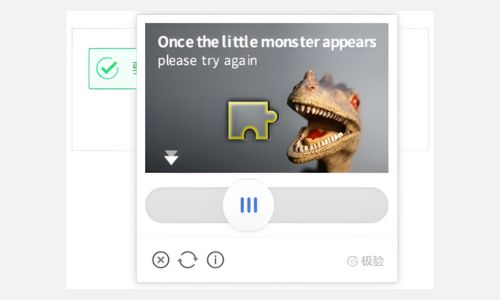
Handles Geetest v3 puzzle and interaction challenges across different difficulty levels.
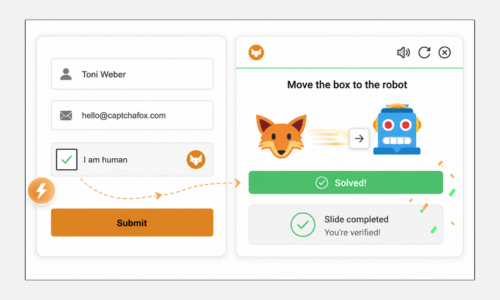
Processes interactive and token-based CaptchaFox verification challenges.
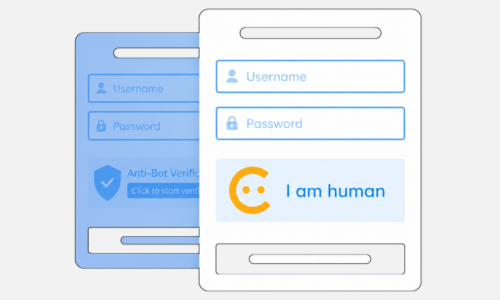
Handles proof-of-work and token-based Friendly Captcha verification flows.
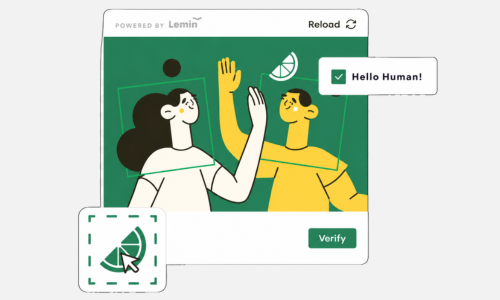
Processes Lemin puzzle challenges for connected web and automation workflows.
How It Works
Keep onboarding customer-facing: create the account, choose a package, complete payment, configure service access, and begin using your CAPTCHA solving capacity.
Open your account and prepare the workspace for CAPTCHA solving service access.
Review active packages and select capacity that matches your expected workload.
Submit the package order so your service access can move through activation.
Connect the available service access to the automation workflow you plan to run.
Begin processing CAPTCHA solving demand and adjust package choices as work grows.
PACKAGES
Compare active packages and select the capacity that matches your next automation workload.
Cycle: One-time • Price: $2,000.00 one-timedynamic website, host included, user system & payment …Dynamic website tailored to your brandUser accounts (register / login)Payments/che...
Cycle: One-time • Price: $4000.00 one-timesms gateway system, host included, user system & payment …SMS gateway system tailored to your brandUser accounts (register / login)Payment...
Capacity Benefits
Packages make capacity selection a deliberate step instead of an afterthought. Teams can compare options, choose the right level for the current workload, and keep account activity visible.
Think in workload capacity and concurrent demand before a job starts running.
Select a package now, then return to the catalog as demand changes.
Keep package and account activity accessible from the authenticated workflow.
Build around repeatable solving workloads instead of one-off manual handling.
Integration & Service Use
Use the service in the authenticated account flow, choose package capacity, and connect solving access into automation work where CAPTCHA handling is part of the job.
Package selection for workload sizing
Service access after the account and payment flow
API-oriented service access for connected systems
Account routes for packages, orders, balance, and support
Ready to Start?
Review packages, choose capacity, and move into the account flow built for active service use.